- Home
- Blog
- Replies and DMs
- Saved DM answers
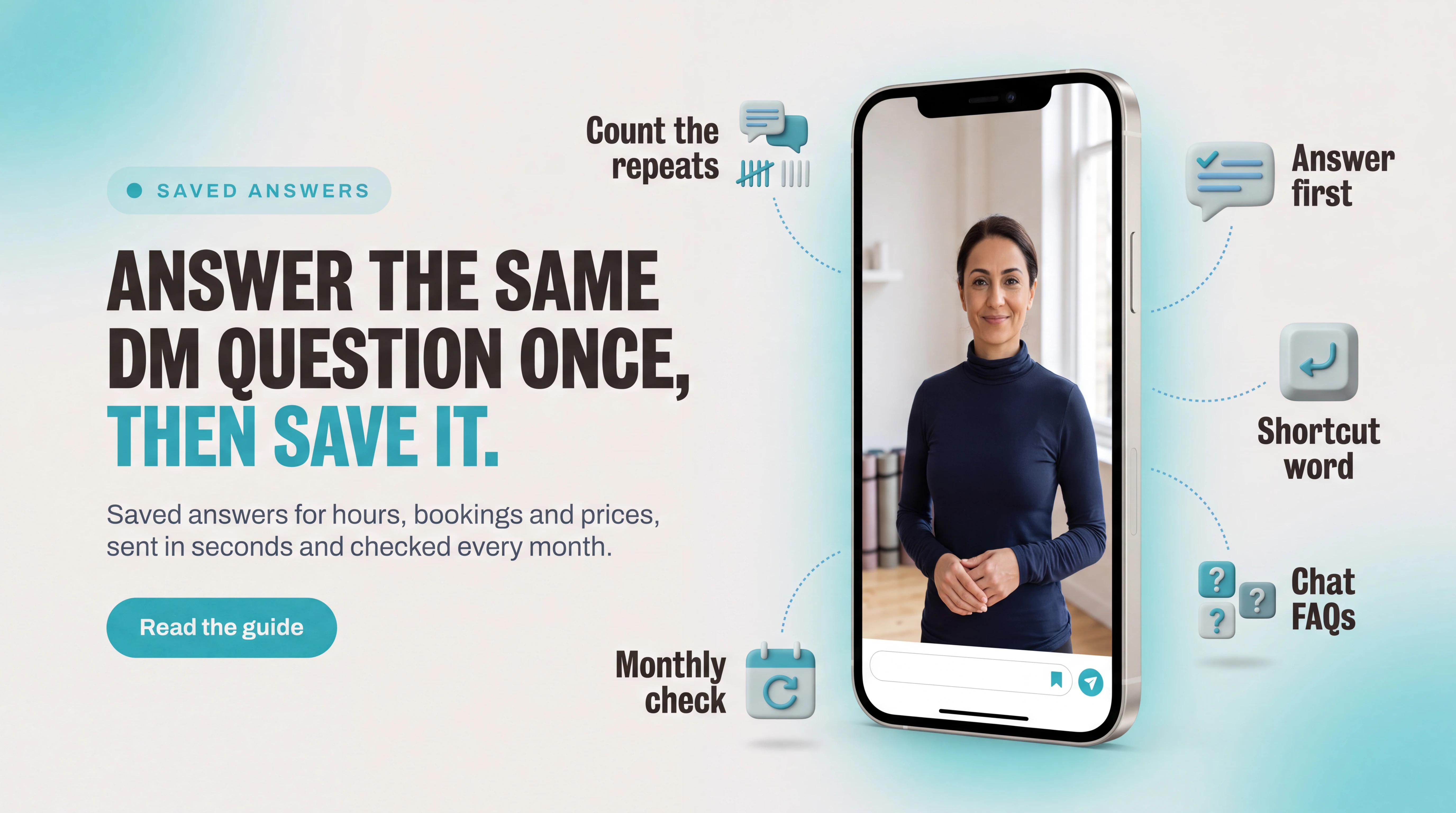
Answer the same DM question once, then save it
Saved answers for hours, bookings and the questions that come back every week, written once and sent in seconds, and the messages a person should answer instead.
On this page
Three people, three questions, one morning. Each question has come in before, and each will come in again next week. Writing every answer from scratch takes minutes per message, and it gives three slightly different answers to the same question depending on who is holding the phone.
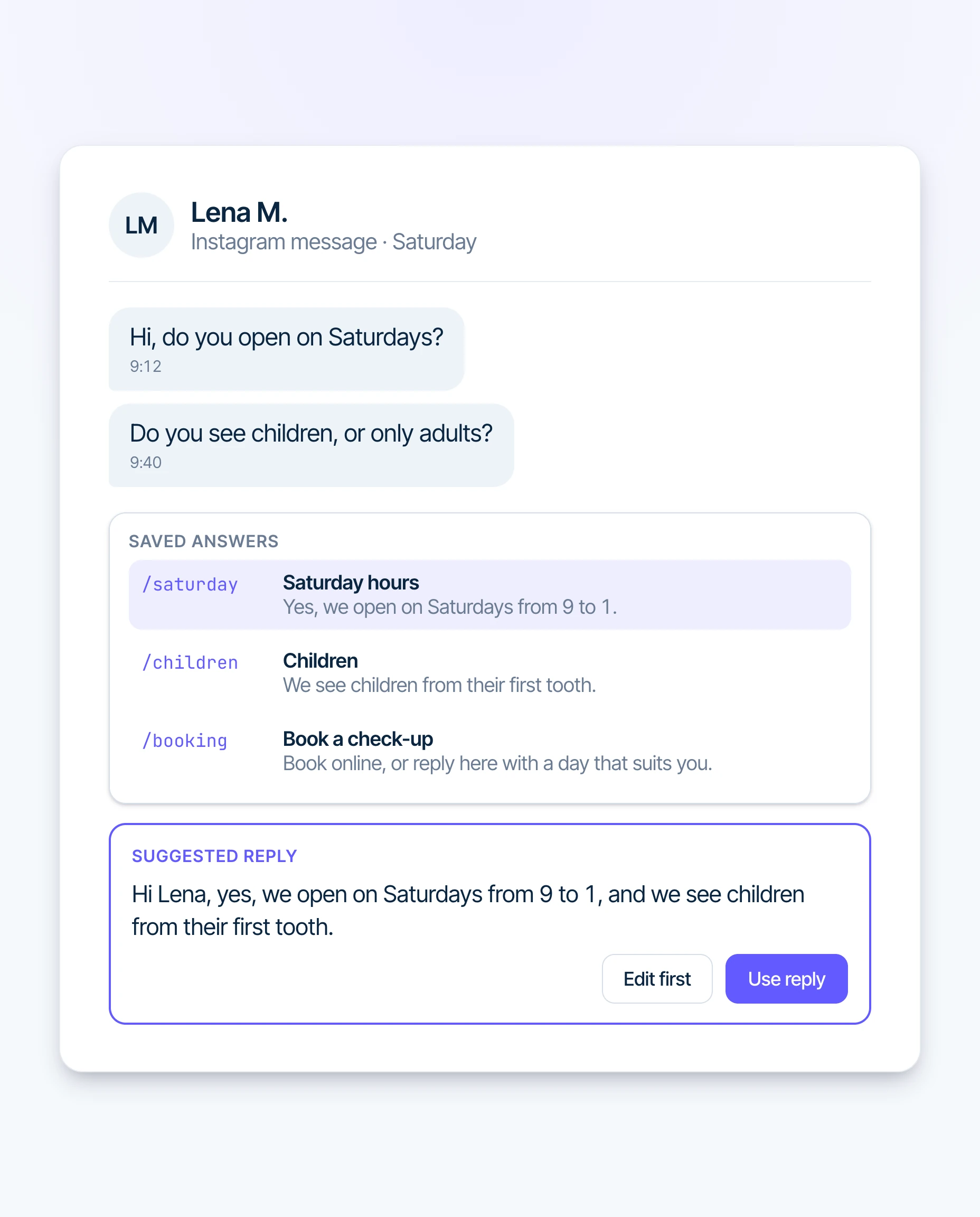
A saved answer fixes both problems. You write the answer once, check it, and send it in seconds the next time the question arrives. This guide shows which questions to save, how to write the answers, how to set them up in Instagram, and which messages should never get a saved answer.
Count the repeats first
Open your DMs and read the last month of messages. Copy every question into one list, word for word, and put a mark next to each one that has come in before. Then group the questions that ask the same thing in different words: "are you open on Saturday" and "weekend hours?" are one question. "Do you see kids" and "what age do you start" are another.
In this example, a short list of questions came in again and again. Those are where a saved answer saves the most time, so they come first. The questions asked once or twice stay on the list: if they come back next month, they move up.
Read the list once more for questions that are not about your business at all: delivery from another shop, a job at a different clinic, a message meant for someone else. Answer those by hand and leave them off the list; they will not come back often enough to save.
Keep the follower's own words next to each group. They tell you how people phrase the question, which helps you write an answer that sounds like a reply to them, and they are the first lines of your next posts. The guide on turning your comments into a week of posts shows how to sort them into a week.
Write the answer once
A good saved answer reads like a reply from a person who knows the business. It answers the question before it says anything else, it gives one next step, and it fits on a phone screen without scrolling.
- Answer in the first sentence
Start with yes, no, the day or the time. Put the detail after it. A person reading on a phone should have the answer before they reach the end of the first line.
- Add one next step
Book online, reply with a day, or call. One step, not three. Two choices at most when the person may prefer a call.
- Keep it short enough for a phone
Two to four sentences. A longer answer belongs in a post, a guide or your website, with a link in the reply.
- Leave room for a name
Start with "Hi" and add the person's name before sending. The same words with a name read as a reply; without one they read as a form.
- Check it with the person who knows
Opening hours, ages and services change. Ask the person who runs the diary to read every answer before you save it.
Save it in Instagram
Instagram has this built in for professional accounts as saved replies. On a creator account the path is ProfileMenuCreator tools and controlsSaved replies, and business accounts have the same item under their business tools.1 Each saved reply has a shortcut word. Type the shortcut in a chat, tap the saved reply that appears, check it, add the name and send.1
Pick shortcut words you would never type by accident in a normal message: a short word with a letter added, such as hoursx or kidsx. Keep a list of the shortcuts next to the till or in the notes on the shared phone, so everyone who answers messages uses the same ones.
Instagram can also show a short list of frequently asked questions to people when they start a chat with your account, each with an automated answer.2 Use it for the questions from your list that never need a person, such as opening hours and the address. People tap the question and get the answer before they write anything.
| Saved reply | Chat FAQ | A person | |
|---|---|---|---|
| Opening hours and address | Yes | Yes | |
| Do you see children? | Yes | Yes | |
| Booking a visit | Yes | Yes | |
| Cost of a treatment | Yes | Yes | |
| A complaint | Yes | ||
| A health question | Yes |
Messages that arrive outside opening hours
People write at night and at weekends. A saved answer sent the next morning works well: thank them, answer the question and give the next step.
If you connect a tool that replies through Instagram's messaging API, it has 24 hours from the person's message to respond, and a reply written by a person can be tagged to go out after that window.3 Plan the morning check so no message waits longer than a day.
A saved reply is still a message from you. Read it before you tap send, every time: the person may have asked two things, mentioned a date, or written in a way that needs a softer answer. Change a word or two when it helps. The saved text is a starting point that removes the typing, not the reading.
Seasonal questions
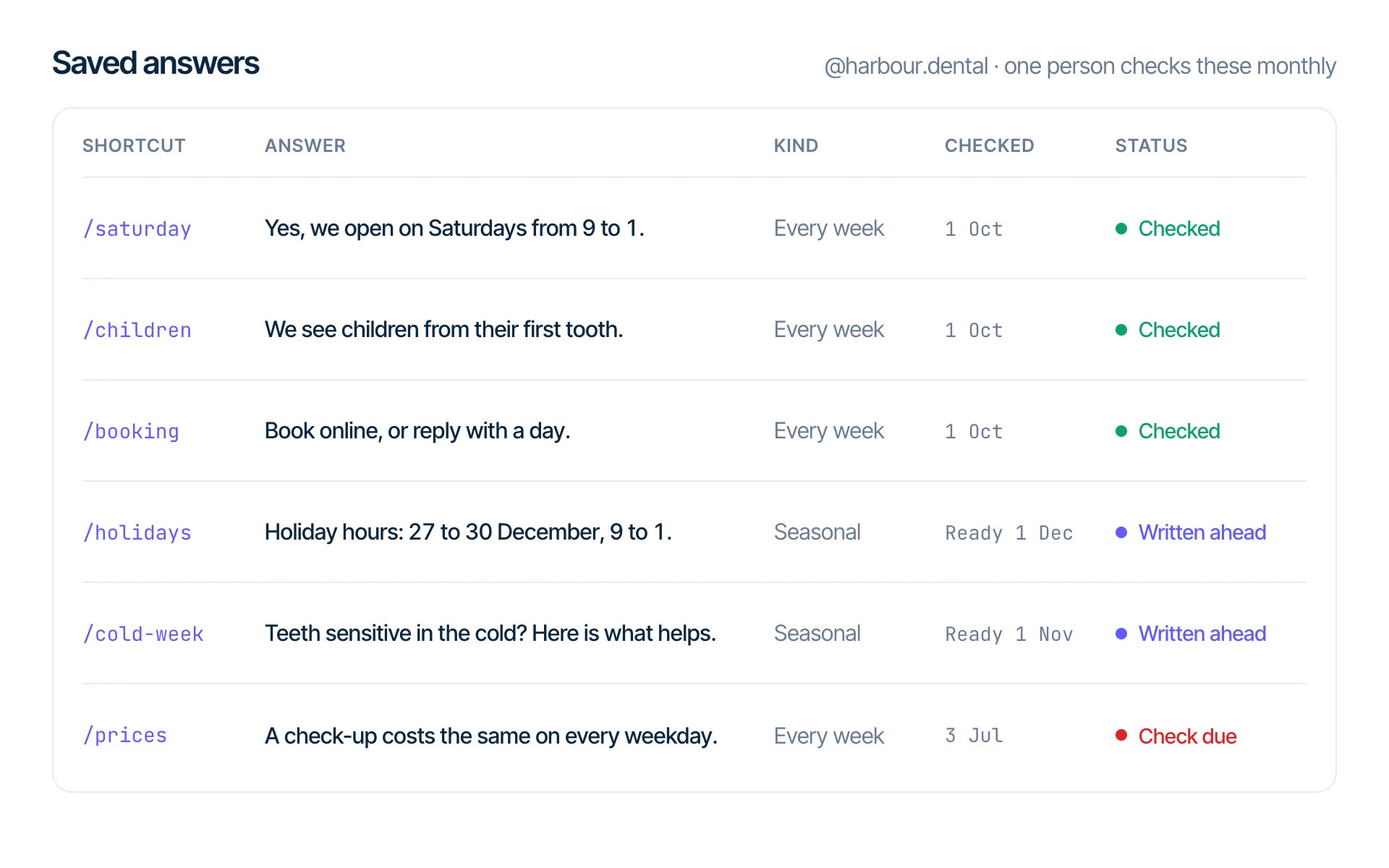
Some questions arrive all at once: opening times over a holiday, a seasonal menu, a new service, the first cold week of the year. Write their answers before the date, not after the first message comes in, and save them with a shortcut you can find again next year.
Keep the answers right
Saved answers go out of date quietly. Hours change for the summer, a service is added, a person leaves. Nobody notices until a follower books a time that no longer exists.
Give one person the job of keeping the answers right. A short check once a month is enough for most accounts: open the saved replies, read each one against the current hours and services, and fix anything that has changed. Do the same on the day anything changes, before the first message about it arrives.
Do
- Read every saved answer once a month and after any change to hours or services.
- Add the person's name before sending.
- Answer the question in the first sentence.
- Turn a question you save into a post as well.
Don't
- Send a saved answer to a complaint.
- Save an answer with a cost you might change and forget.
- Send two saved answers in a row to one message.
- Leave a question unanswered for a day because no saved answer fits it.
Where ProfileScan fits
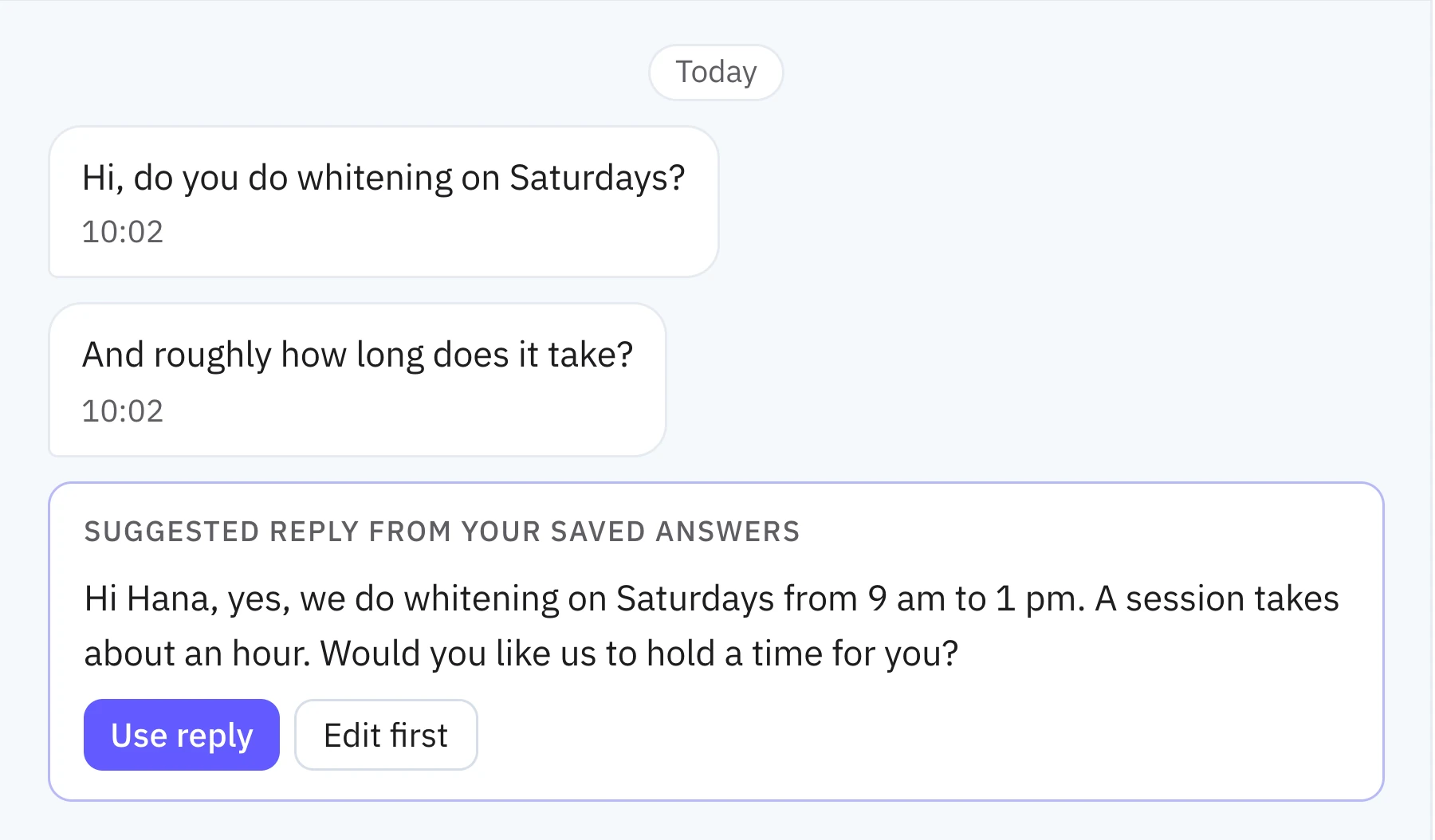
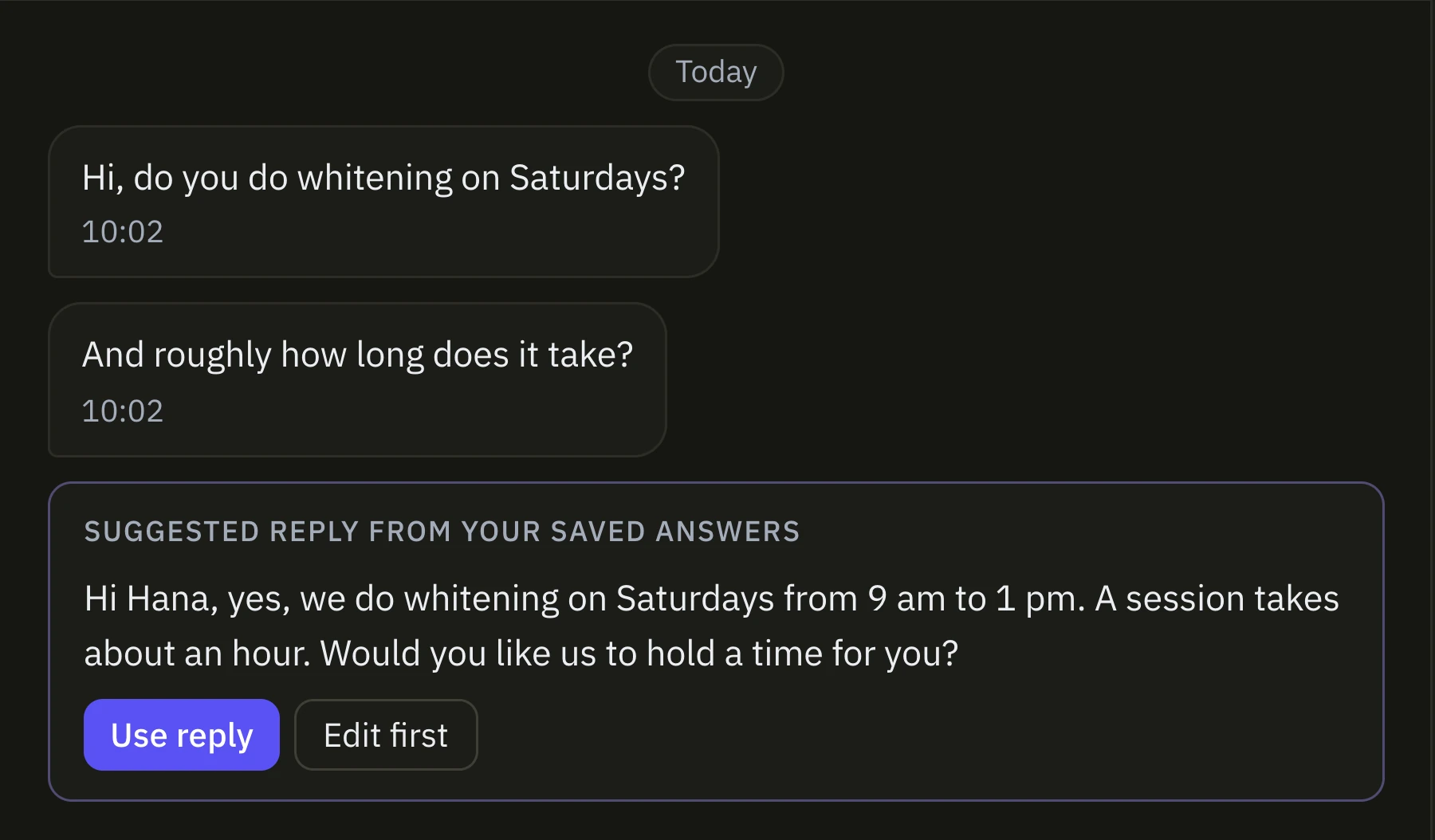
ProfileScan's inbox puts comments and DMs in one list. When a message matches one of your saved answers, it drafts the reply with the person's name and the answer, and you choose to use it, edit it first or skip it. Nothing is sent until you approve it.
The questions you save are also your next posts. The guide on what to post when your account stops growing uses them for the second week of its plan. When an answer goes up as a post, check how it did with the Engagement Rate Calculator and compare it with your own average.
- Read a month of DMs and count the questions that come back.
- Write each answer once: the answer first, one next step, short enough for a phone.
- Save it as a saved reply, and put the ones that never need a person in your chat FAQs.
- Complaints, health questions and anything personal get a reply from a person.
Your first week
- Guiding Tech: How to create saved replies on Instagram, menu path and shortcut use, updated 28 July 2024
- Instagram Help Center: Set up frequently asked questions on chats, questions shown to people when they start a chat, with automated answers
- Meta for Developers: Instagram messaging API, Send Messages, the 24-hour response window and the human agent tag