Most posting trouble comes from timing, not from ideas: the post is due, nothing is ready, and it goes up at whatever hour the phone is free. The guides on this page move that work into one planned block, so each post is ready before its slot and goes out at an hour your followers are online.
Slots before posts
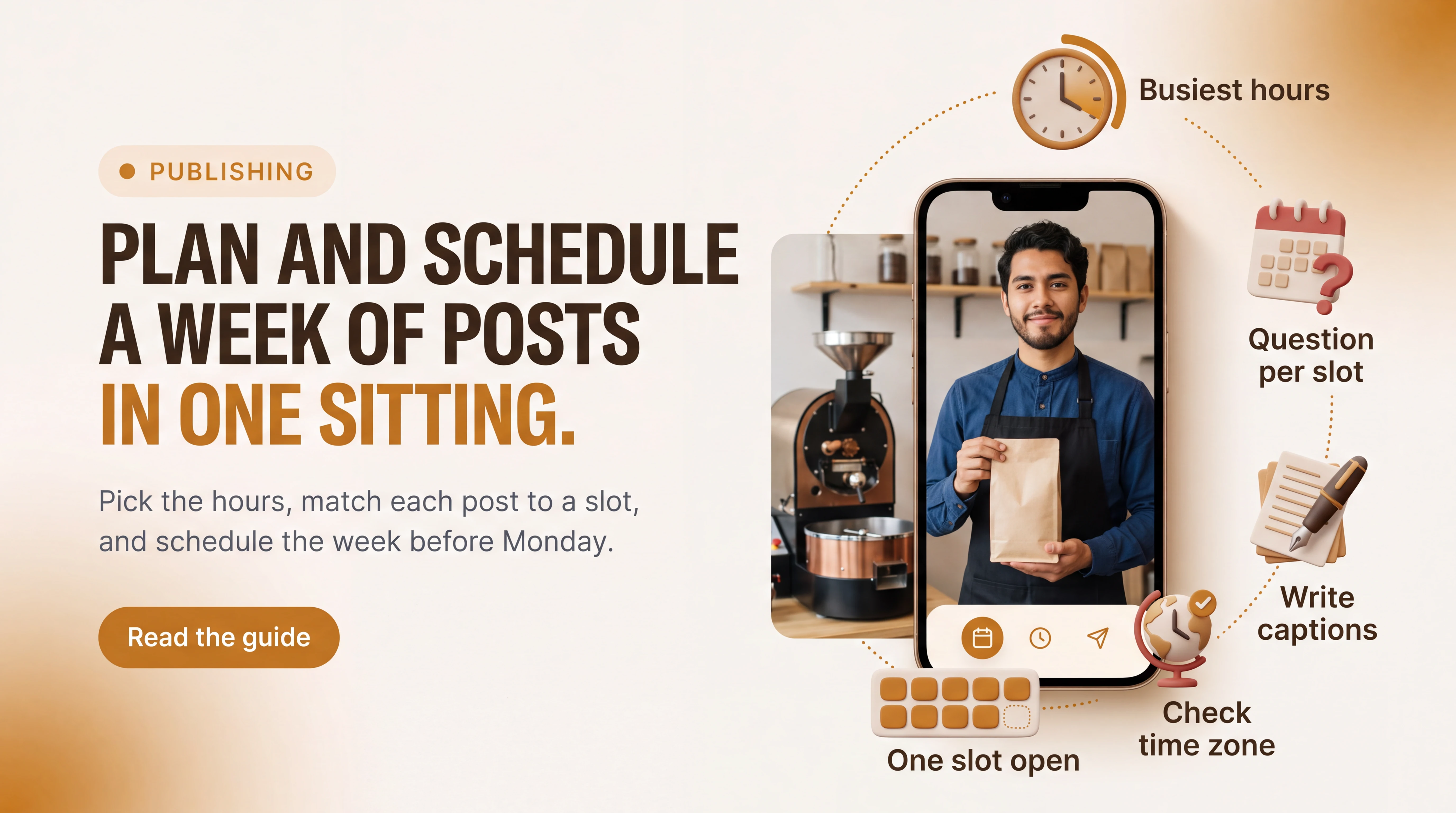
A slot is a day and an hour when a post goes out. Choose the slots from the hours your followers are most active, keep the number you can sustain, and leave them in place from week to week. The posts change each week; the slots rarely do. One open slot a week leaves room for the question or event that comes up after the plan is made.
One sitting for the week
With the slots set, plan the week in one sitting: give each slot a question from your comments and DMs, choose the format that answers it best, prepare the photos and clips in the right shape, write every caption in a row so the openings vary, and schedule each post. Check the time zone on the first post before scheduling the rest.
After the posts go out
Scheduling saves the typing, not the replies. Be around in the hour after each post to answer the first comments, and read every scheduled caption once more on the day it goes out. At the end of the week, note which slot and which format did best; next week's most important post goes there.
Engagement Rate Calculator
Type in your numbers and see your engagement rate by followers, and where it sits on the general guide many marketers use. No sign-up.
Open the calculatorQuestions
How many posts a week should I plan?
Do I need a scheduling tool?
See what your own account is asking for.
The free account check reads your posts and comments and lists what to post next.